📟
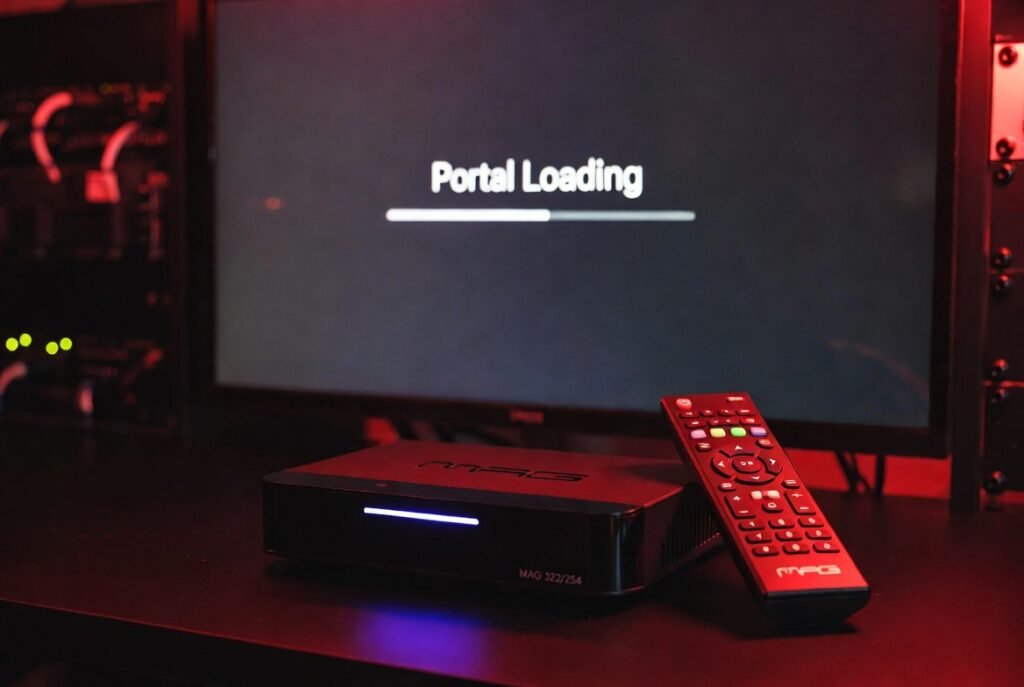
How to Setup IPTV on MAG Box
Step-by-step guide for MAG 250, 254, 322, 424, and all MAG series.
01
Find Your MAC Address
Check the back of your MAG device for a sticker with the MAC Address (it usually starts with 00:1A:79:…). Write it down or take a photo.
02
Go to System Settings
Turn on your MAG box, go to Settings > System Settings > Servers > Portals.
03
Enter Our Portal URL
In “Portal 1 name” type: My IPTV. In “Portal 1 URL”, enter the address we will send to you on WhatsApp.
04
Save & Restart
Press the “Save” button on your remote and restart the device. The system will load our 4K channels automatically!
Need the Portal URL for your MAG device? We are online!
Get MAG Portal on WhatsApp