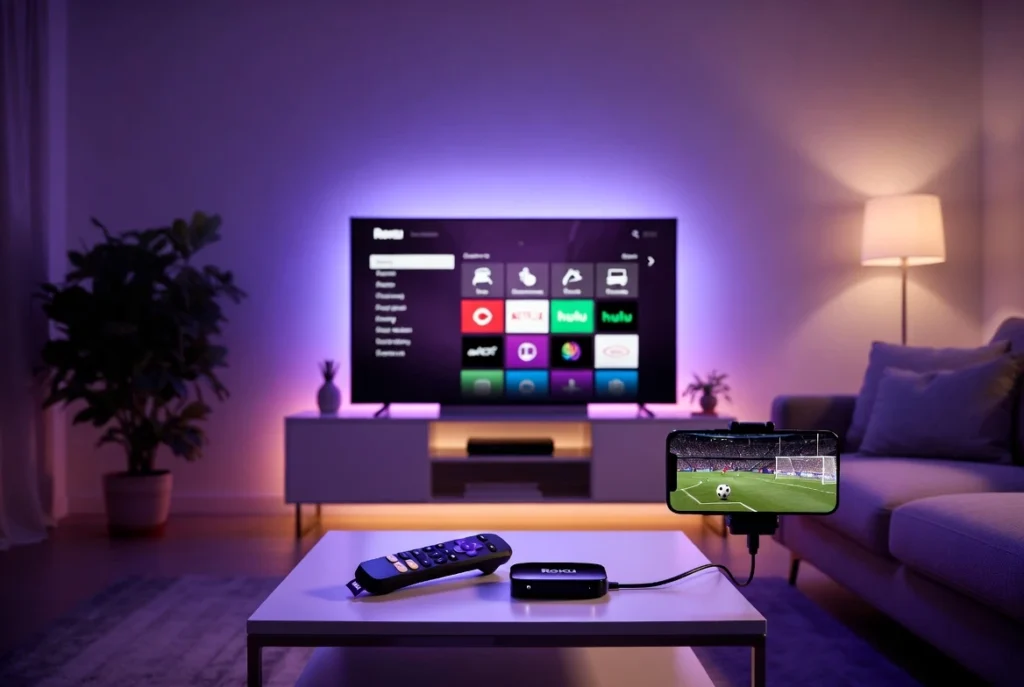
📺
How to Setup IPTV on Roku Device
The easiest trick to enjoy your IPTV channels on Roku TV or Box.
01
Enable Screen Mirroring
Since Roku has a closed system, go to Settings > System > Screen Mirroring and set it to “Always Allow”.
02
Install IPTV App on Smartphone
Install “IPTV Smarters Pro” on your Android or iOS phone. Connect both your phone and Roku to the same Wi-Fi network.
03
Cast to Roku
Open the app on your phone, start your favorite channel, and click the “Cast” icon. Select your Roku Device from the list to see it on the big screen.
04
Need a Direct App?
Roku sometimes allows “IPTV Smarters” via a secret developer code. For the latest working code, contact our support team now.
Confused? We can guide you step-by-step on WhatsApp!
Get Roku Support on WhatsApp