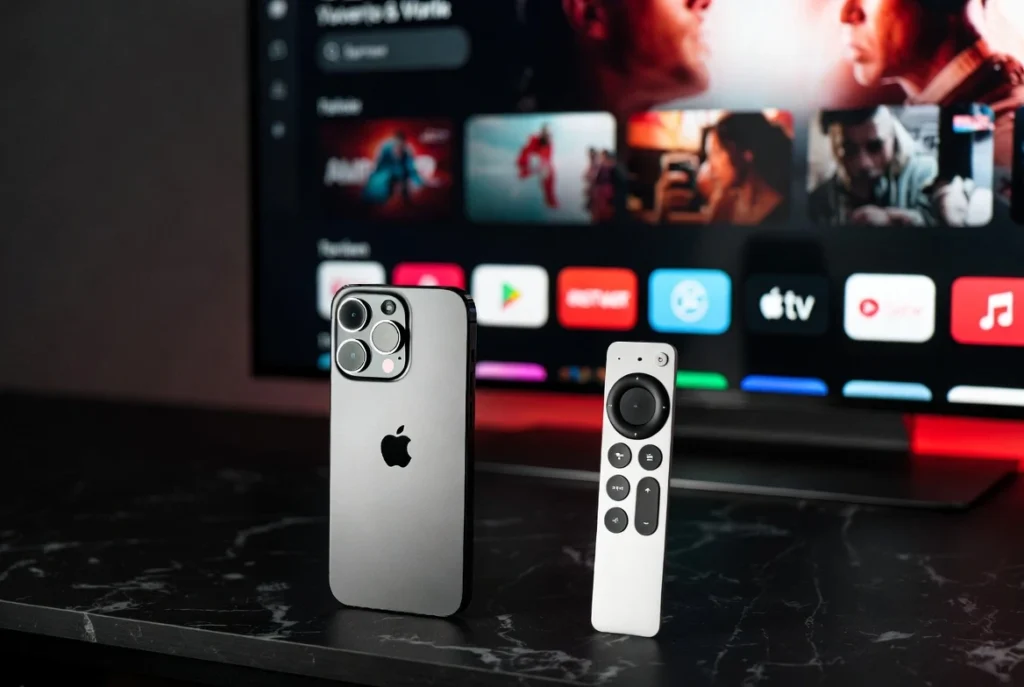
🍎
Setup IPTV on Apple Devices
Follow these steps for iPhone, iPad, and Apple TV 4K.
01
Download from App Store
Open the App Store and search for “IPTV Smarters Pro” or “GSE Smart IPTV”. These apps offer the best performance on iOS.
Open App Store02
Login with Xtream Codes
Launch the app and select “Login with Xtream Codes API”. This is the most stable method for Apple devices.
03
Enter Your Details
Input the credentials provided by our team via WhatsApp:
- Any Name: My IPTV
- Username: (Sent by us)
- Password: (Sent by us)
- Portal URL: (Sent by us)
04
Enjoy 4K Streaming
Click “Add User” and wait a few seconds. You can now enjoy your favorite channels and movies in Ultra HD.
Need your login credentials or a free trial?
Contact Apple Support on WhatsApp