🔥
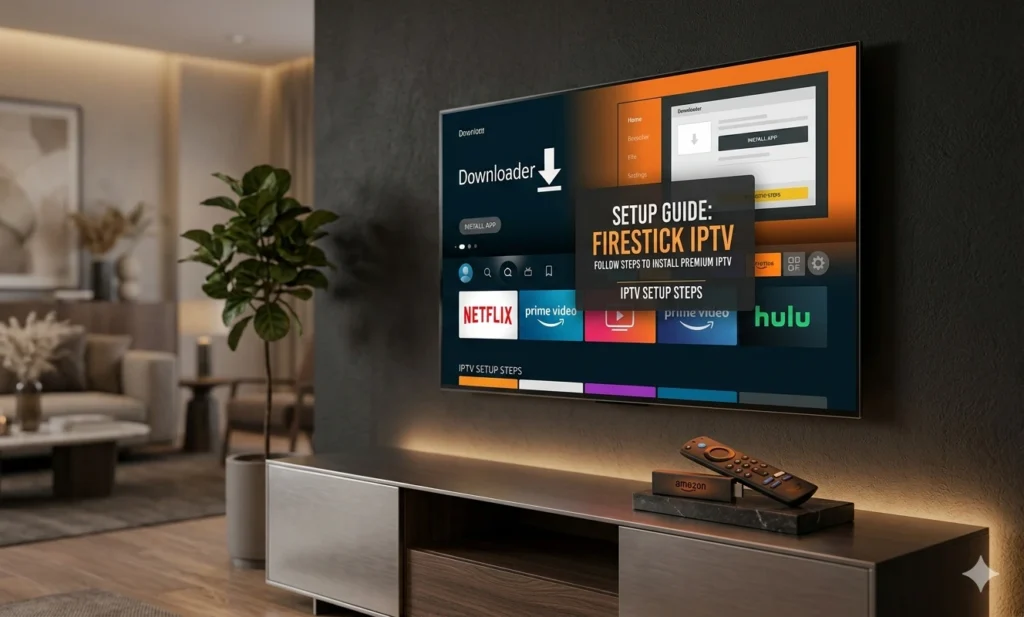
Amazon Firestick Setup Guide
Follow these steps to install and activate IPTV on any Fire TV device.
01
Install Downloader
From the Firestick Home Screen, go to Find, search for “Downloader”, and click Get/Download to install it.
02
Enable Unknown Apps
Go to Settings > My Fire TV > Developer Options. Ensure “Install Unknown Apps” is turned ON for the Downloader app.
03
Download IPTV Player
Open Downloader and enter our direct Shortcode or URL. Click Go to download and install the premium IPTV player.
04
Login & Stream
Launch the app and enter the Username & Password we sent you via WhatsApp. Enjoy your favorite 4K channels and live sports instantly!
Need your installation code or a subscription? We are here to help!
Contact Support on WhatsApp