💻
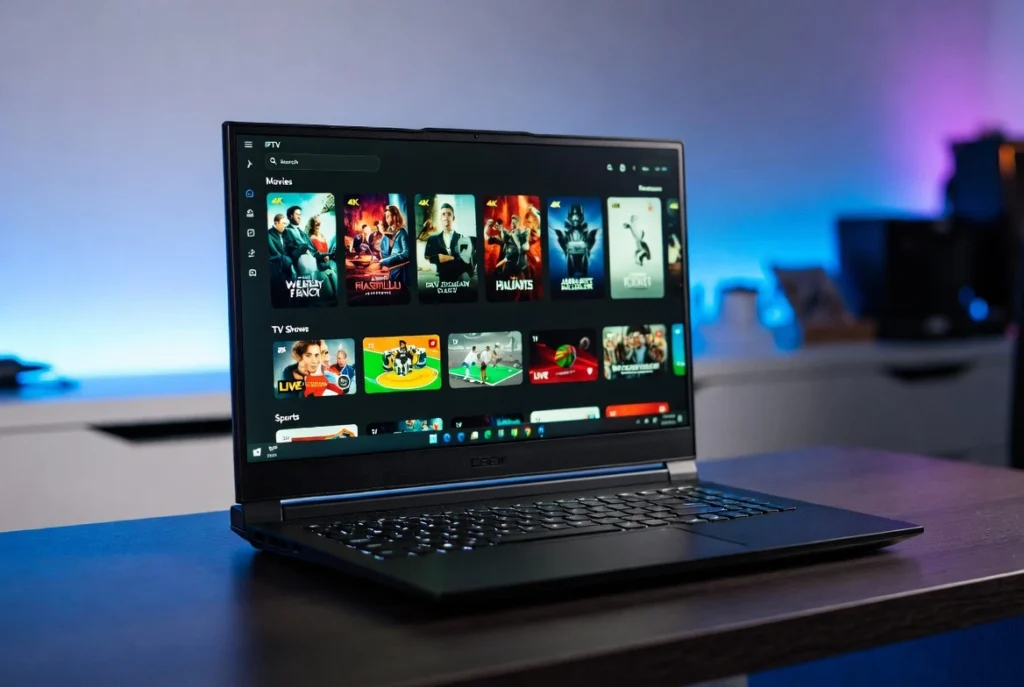
How to Setup IPTV on Windows PC
Follow our simple step-by-step guide to start streaming in minutes.
01
Download IPTV Player
We recommend using IPTV Smarters Pro or VLC Media Player for Windows 10/11.
Download Smarters Pro02
Install & Open the App
Run the installer and launch the application from your desktop once the installation is complete.
03
Enter Your Login Details
Select “Login with Xtream Codes API” and enter the credentials we provided:
- Any Name: (e.g., My IPTV)
- Username: (Provided by us)
- Password: (Provided by us)
- Server URL: (Provided by us)
04
Start Streaming!
Click on “ADD USER”. Your channels will load instantly. Enjoy your 4K experience!
Need help or your login details? We are online now!
Chat with Us on WhatsApp